
7.6 Access Models
EdisonOS offers two distinct access models that control how students consume tests and problem sets. Understanding the difference between Credits and Licenses is essential for managing your academy's budget and student access effectively.
Credits
Credits are a consumption-based model. Each student has a credit balance, and credits are deducted every time a student completes a test or problem set.
Licenses
A License is an unlimited access model. A student assigned a license can take any number of tests and problem sets without any credits being deducted.
Understanding Default Credits for Students
Learn how default student credits work in EdisonOS, how credits gate Practice Test and Problem Set access for students on Credit mode, how a license exempts a student from credit limits, and how admins can view and increase a student's credits individually.
Every student enrolled into a program is automatically assigned a set of default credits (set to 10 by default). Credits control whether a student on Credit mode can start a Practice Test or Problem Set. Each attempt a student starts consumes credits from their balance, and once their credits run out, they can no longer start new activities even if the test itself allows additional attempts. This prevents students from repeatedly launching tests (spamming attempts) and lets admins control how much practice each student can consume.
A license overrides credits entirely. If a student has a license assigned, they do not need to worry about credit limits at all credits are not checked and not counted for that student. They can take Practice Tests and Problem Sets within the terms of their license, regardless of their credit balance.
In short: credits only matter for students on Credit mode. The moment a student is given a license, the credit system no longer applies to them.
What are default credits?
When a student is enrolled into a program, EdisonOS auto-assigns them 10 credits by default.
For a student on Credit mode, each Practice Test or Problem Set attempt they start consumes credits from this balance.
On the Students table, each student's credit balance is shown in the Credits column as a remaining count, with Total and Used values displayed beneath it (for example, Total: 10 · Used: 0).
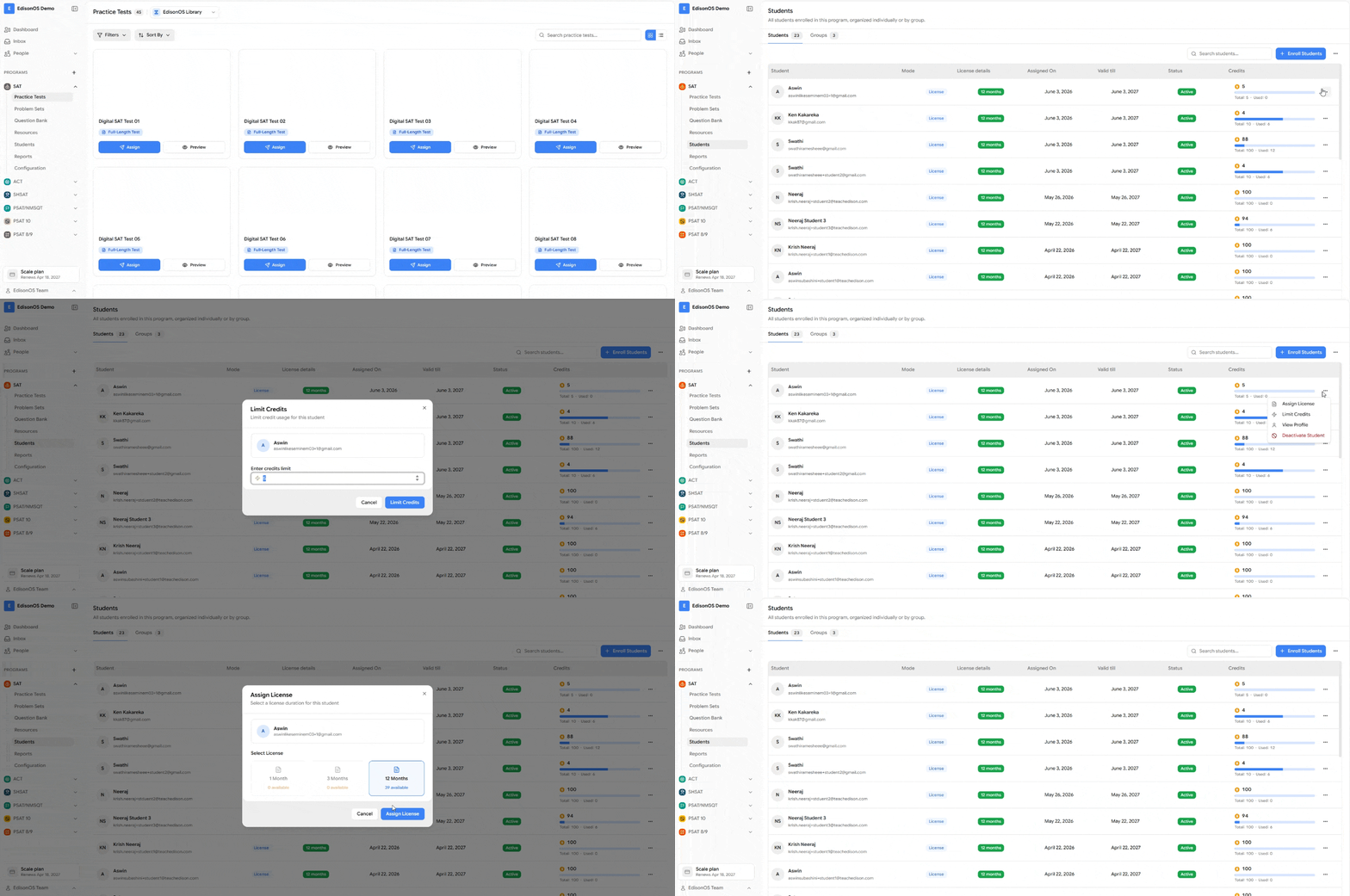
How credits work for students on Credit mode
For a student without a license (Credit mode), credits are the gate that controls access:
They can start a Practice Test or Problem Set only while they have assigned credits remaining.
Each attempt deducts from their credit balance.
When their credits remaining is not enough, they can no longer start new activities even if the test is configured to allow more attempts.
This is the intended safeguard against students spamming tests. To give a Credit-mode student more access, an admin increases their credits individually (see steps below).
How licenses exempt a student from credits
If a student has a license assigned:
Credits are not checked before they start a Practice Test or Problem Set.
Credits are not counted or deducted for their attempts.
Their access is governed entirely by the terms of their license, not by their credit balance.
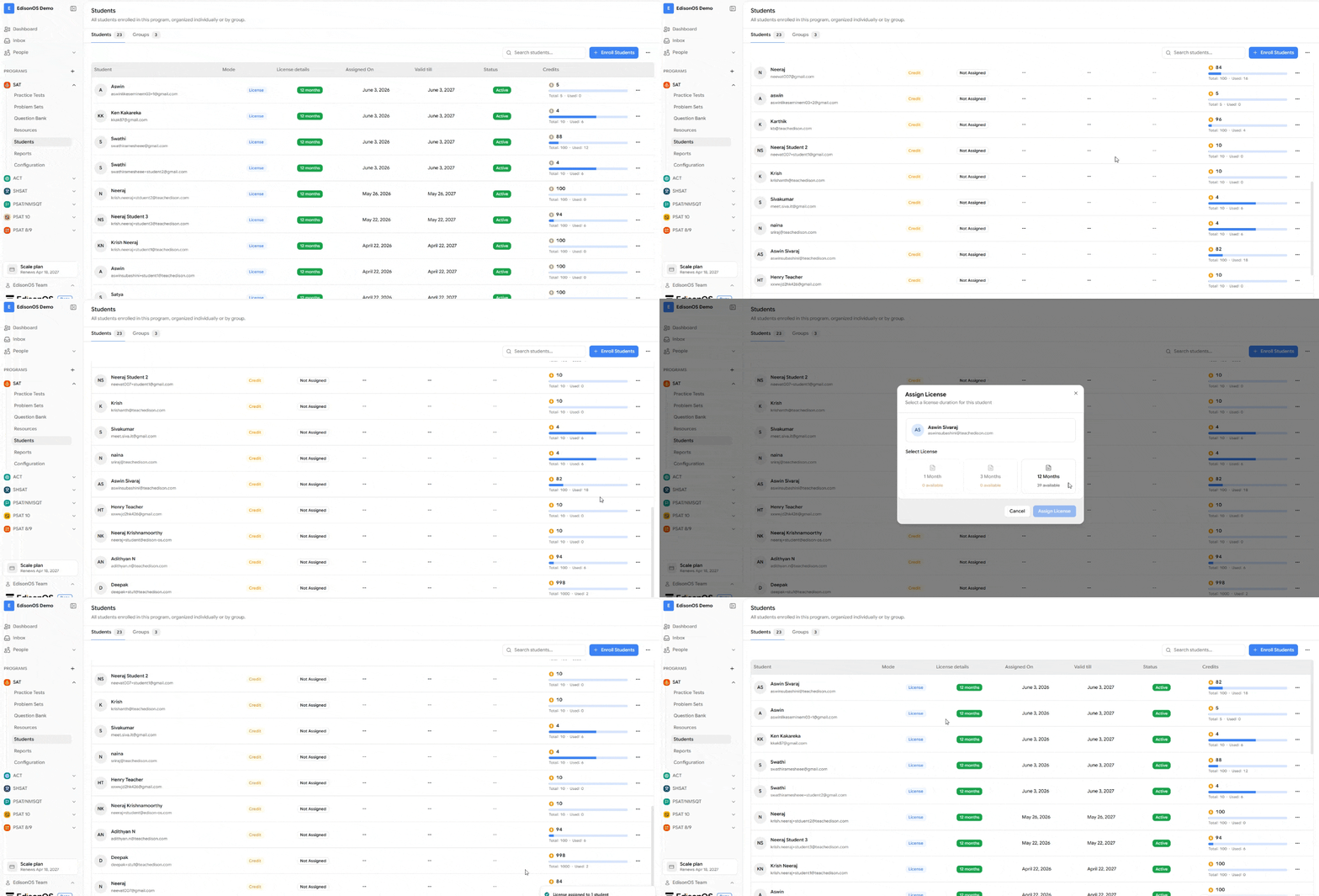
So a licensed student never needs credits topped up, the credit limit simply does not apply to them.