
15.3 Unable to continue session - Please log in to continue
Cookie or Browser Issues Mid-Test
If a student's cookie information is erased, the session may be disrupted, resulting in the "Unable to Continue Session - Please log in to continue" prompt.
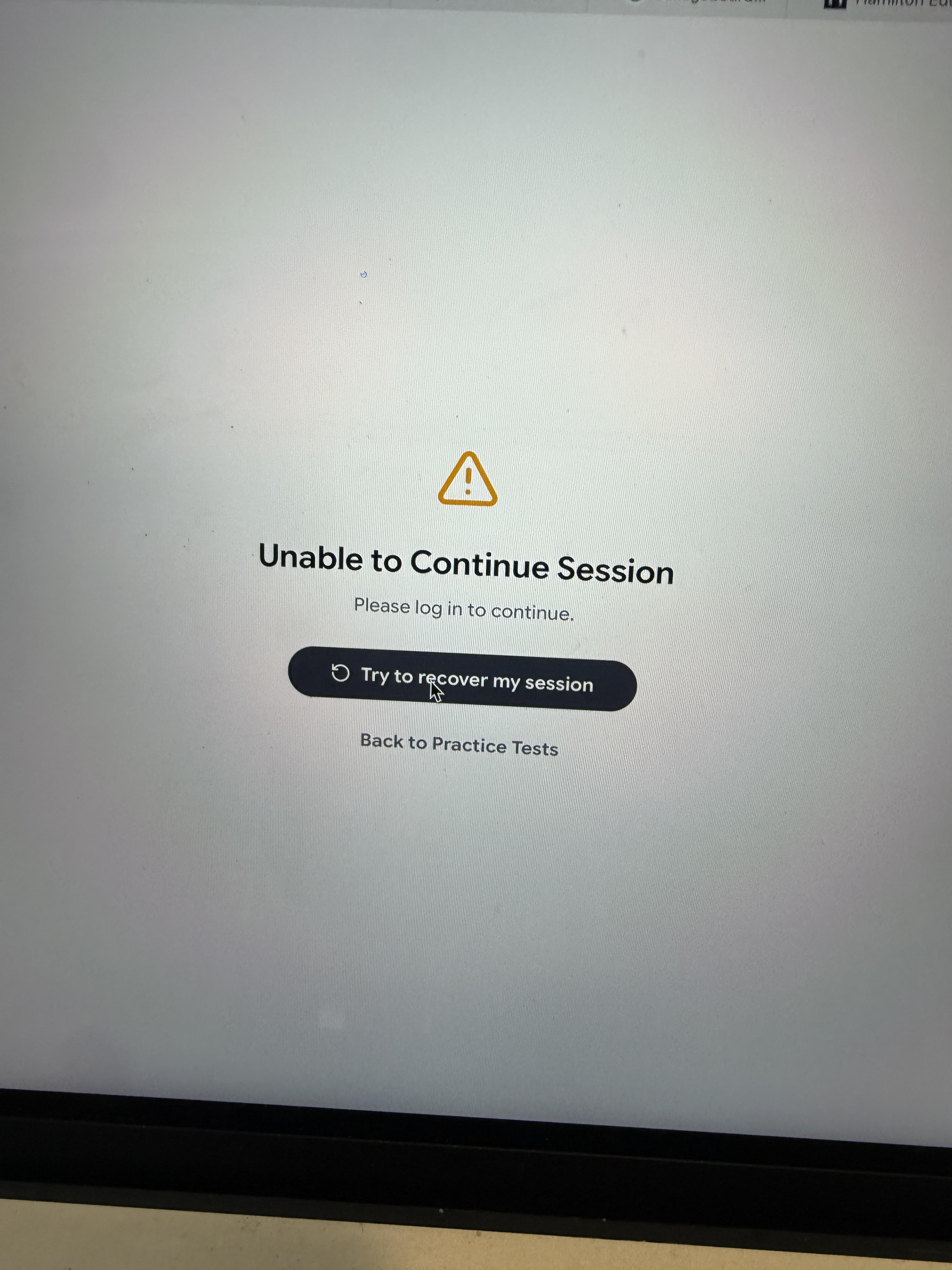
To troubleshoot:
Confirm whether the student opened a new browser, switched browsers, or used incognito/private mode during the test.
Ensure students use a supported browser and a single window/tab for the test.
Recommend a stable internet connection and avoid network switch during the exam.